
Starter
Essential tools for operations.
199PLN/month
- Menu management
- KDS
- QR menu
- Table management

TableMind QR Payment lets guests scan a code, view their bill, split the total, leave a tip, and pay from their phone. Staff see payment status instantly, and guests leave with a faster, smoother checkout.
Guests enjoy the meal, then lose patience waiting for the bill. TableMind QR Payment removes that friction — guests open their bill from a code, choose how to pay, add a tip, and check out from their own phone. For restaurants: less pressure on staff, faster turnover, and clearer payment tracking.
Traditional checkout slows down service: a guest asks for the bill, staff prints it, the guest waits, staff returns with a terminal, the guest pays, staff closes the table.
With QR Payment, guests handle payment when they're ready. Your team stays in control — they just no longer manage every small step manually.
Reduce table waiting time, increase checkout speed, improve payment visibility, and make service more efficient at peak hours.
Spend less time running bills and terminals. See which tables are paid, unpaid, or waiting — without asking guests repeatedly.
Pay when ready, split the bill, leave a tip, and leave — without waiting for someone to bring the card machine.
Guests scan a QR code from their table, receipt, or digital bill to pay using their phone.
They view the bill, choose a payment method, add a tip, and complete payment. Staff see the status in the TableMind dashboard, waiter app, or connected workflow — more control for guests, while your team stays informed.
After the meal, guests are ready to leave. Waiting for the bill or terminal makes the whole experience feel slower.
Servers spend time printing bills, bringing terminals, splitting payments, and checking which tables have paid.
Guests often want to split the bill, pay for specific items, or pay separately. Manual splitting slows service.
A clear tip flow makes gratuity easier for guests and more visible for staff.
Managers and staff need to know which tables have paid, which are open, and which need attention.

Guests scan and pay when ready while staff see payment status instantly — faster checkout, less pressure on servers.

A group splits the bill or pays individually where supported — less staff involvement, smoother experience.

Tables far from the POS pay from their seat — no walking back and forth with bills and terminals.

Guests on a quick lunch pay from their phone as soon as they're ready — faster visits, easier turnover.
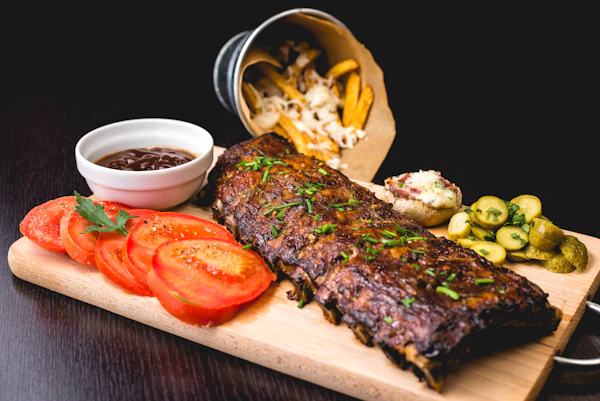
Hotel guests get a clean QR checkout while staff track status — a more modern hospitality experience.
Explore the capabilities built into TableMind QR Payment, organized by operational themes.
Give guests the ultimate convenience: scan, split, tip, and pay using their own phone in under a minute.
Guests scan a unique QR code at their table to open their bill instantly.
Split by equal share, custom amount, or by item for group tables.
Guests can select only the items they had, checking out individually.
Interactive tip prompts (15%, 18%, 20% or custom) before checkout.
Support for Apple Pay, Google Pay, credit cards, or local payment systems.
Keep your staff focused on hospitality instead of chasing bills and handling payment terminals.
Clear, itemized list of taxes, service fees, and dishes on guests' phone screens.
Real-time sync showing paid, unpaid, or partially paid tables in the dashboard.
Instant visual confirmation for guests and staff when transactions clear.
Guests access or receive instant receipts without wasting thermal paper.
Fully paid tables close automatically, preparing the table for next guests.
Sync your QR payments directly with your ordering systems, menus, POS processors, and reporting tools.
Keep servers updated with live notifications on payments directly in their pocket.
Direct connection to the live digital menu for browsing and paying in one flow.
Link checkout details directly to table tabs, counter tabs, or takeaway bills.
Detailed insights on table turn speed, average tips, total revenues, and methods.
Integrates with supported payment gateways based on your market requirements.
Connect your QR menu directly to ordering, payment, and kitchen displays with zero friction.
Guests scan QR codes or open links to browse items.
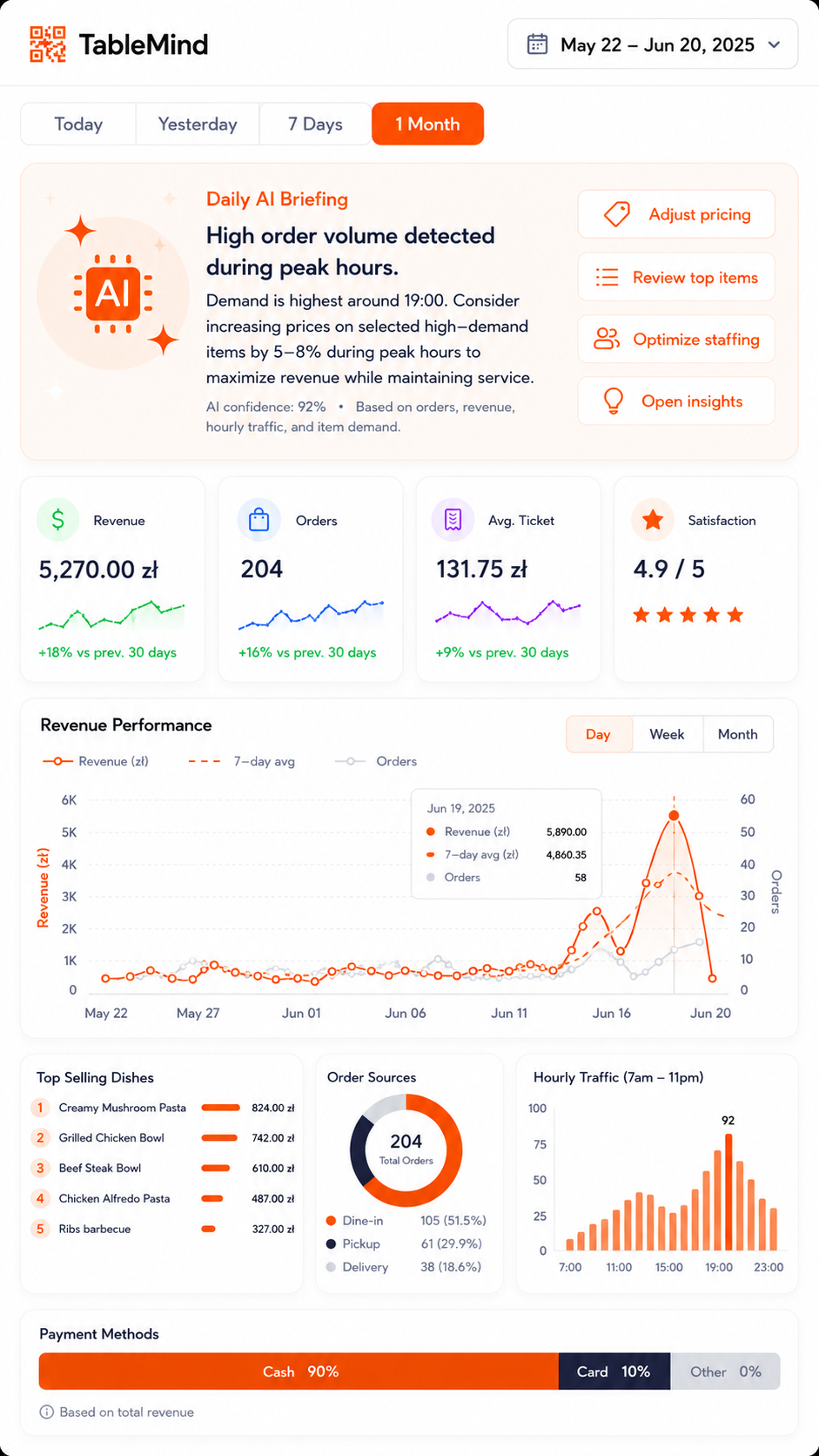
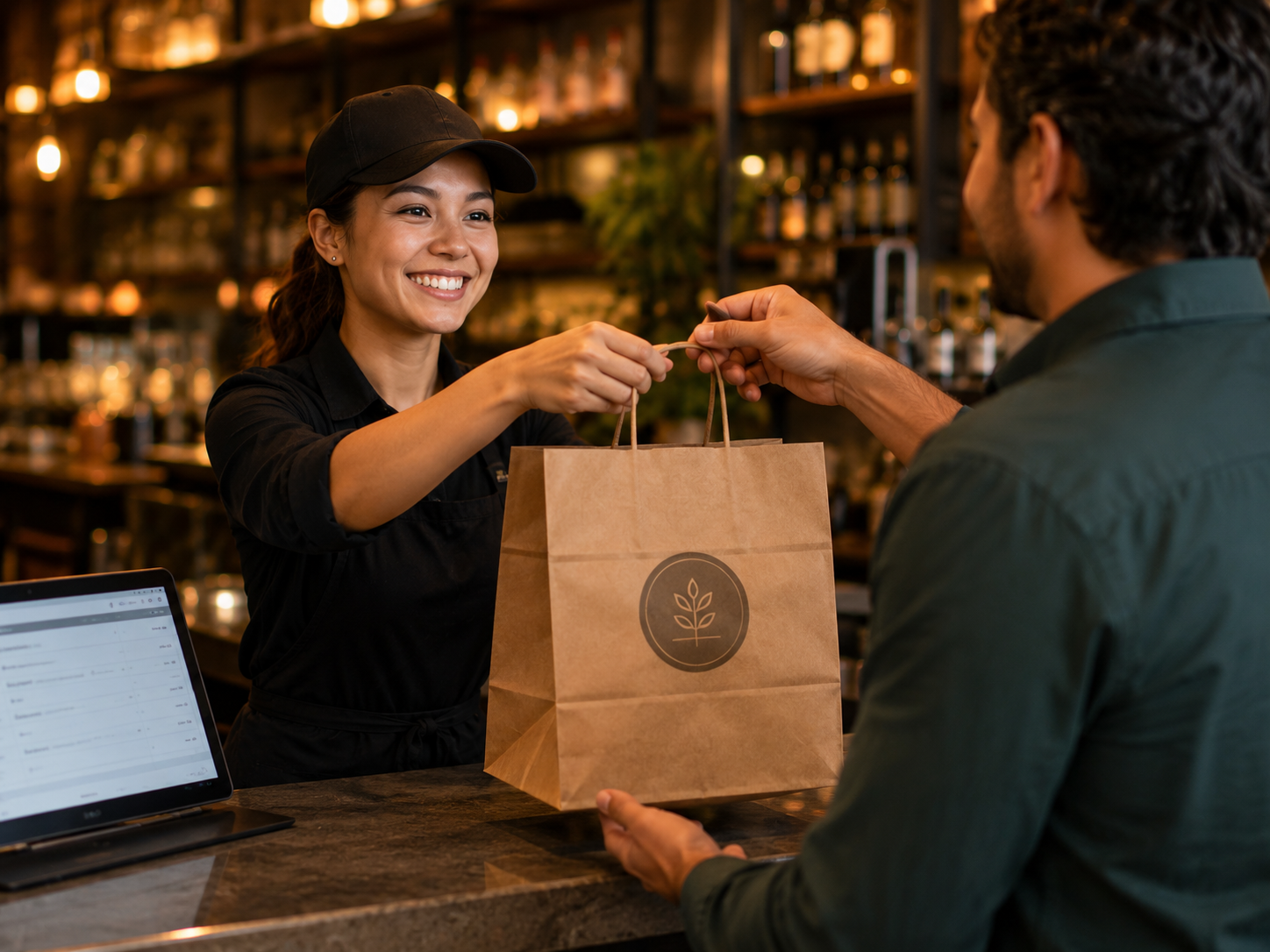
Turn items orderable for tables, takeaway, or counter pick-up.
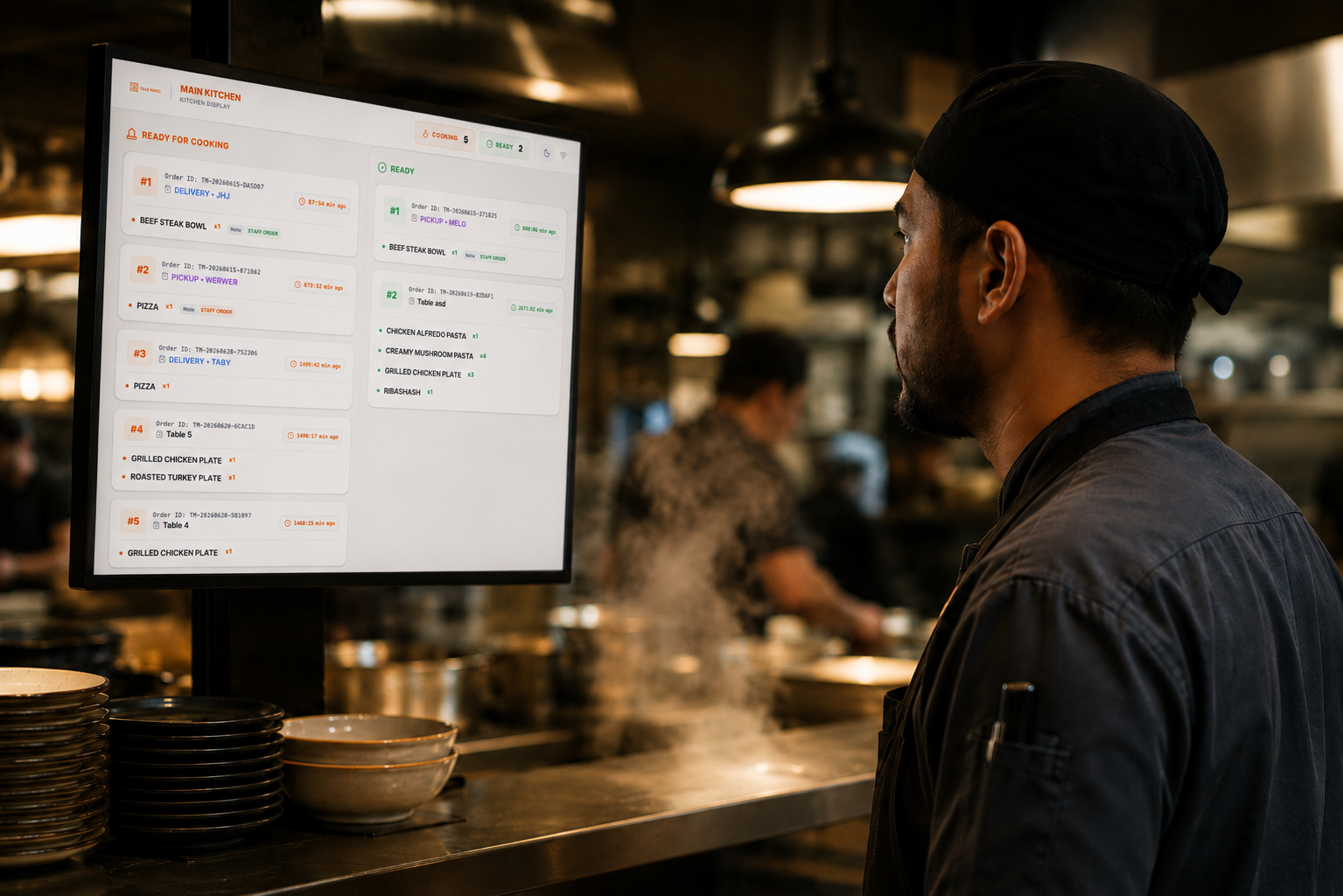
Orders flow directly to kitchen screens to keep prep organized.
Guests check out from phone; view stats on your dashboard.
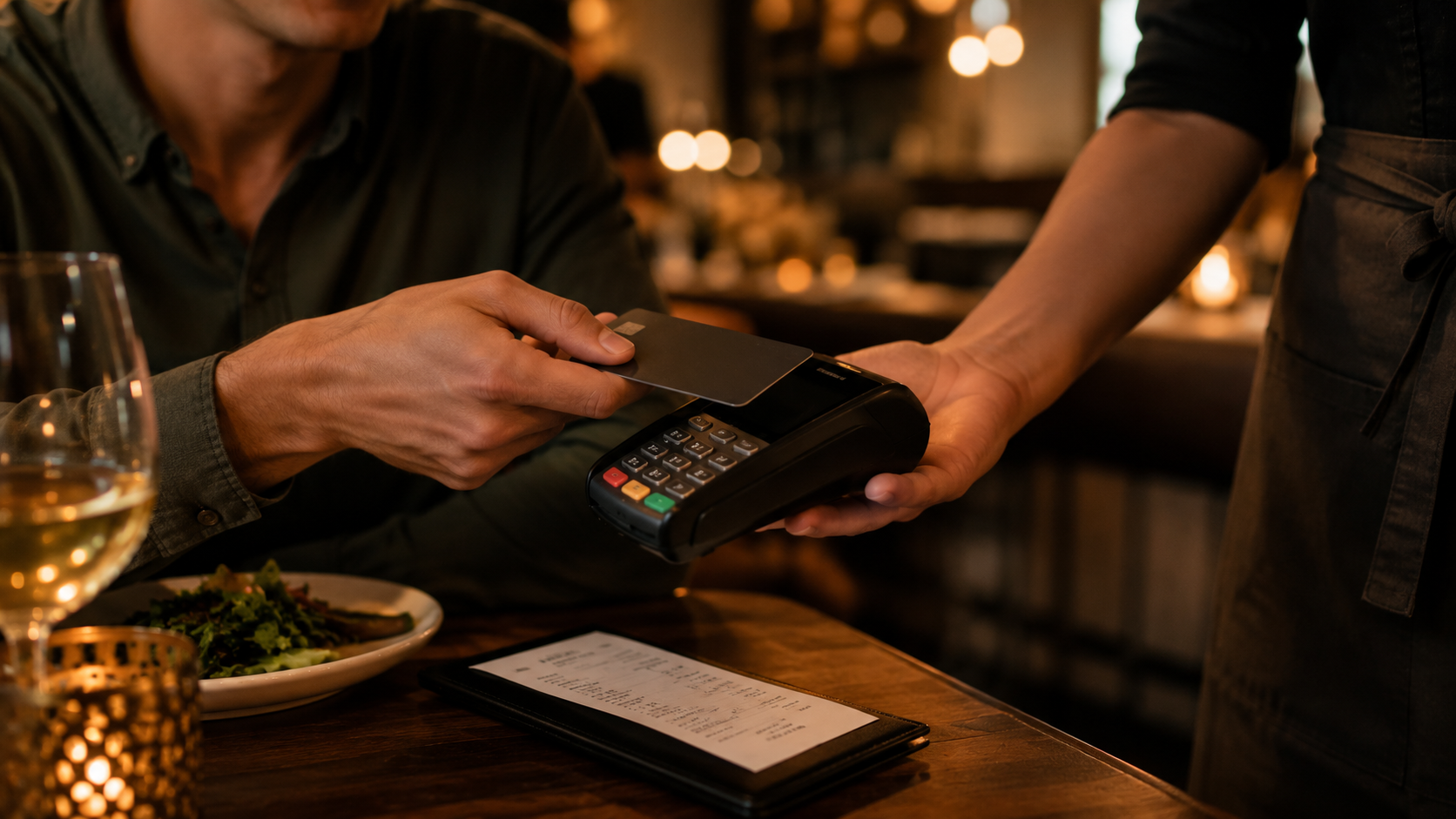
Available for restaurants using TableMind menus, ordering, or billing. Choose the plan that fits.
Essential tools for operations.
Growth and online features.
Enterprise automation.
Custom pricing
It lets guests scan a code at their table, view their itemized bill, choose how to split it, and pay using their phone — without waiting for a server to bring a payment terminal.
No. Guests open the payment flow instantly in their mobile browser after scanning the table QR code. It works on all modern smartphones.
Yes. Guests can choose to split the bill equally (e.g. 4 ways), pay a custom amount, or select specific items to pay for individually.
Yes. A clear tip selection screen appears before checkout. Restaurants using TableMind see tip amounts increase by up to 28% on average.
Guests can pay using Apple Pay, Google Pay, standard credit/debit cards, and popular local payment methods depending on your processor.
Set up table QR codes, speed up seat turnover, and let guests tip and pay from their phone instantly. Start your free trial today.