
Starter
Essential tools for operations.
199PLN/month
- Menu management
- KDS
- QR menu
- Table management

Live menu via QR code or link. Update dishes, photos and prices anytime, no app required. Present food beautifully and cut printing costs instantly.
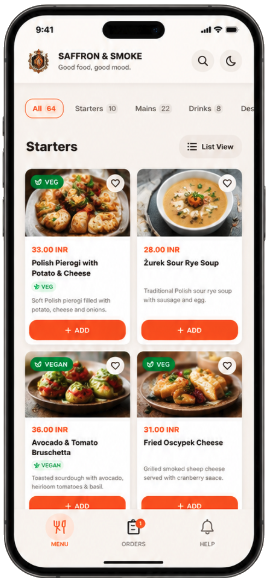
A basic QR menu only opens a PDF file. TableMind presents your food beautifully, tags allergens, displays pricing options, and links to table ordering, payments, kitchen display, and analytics when your restaurant is ready.
They cost hundreds to reprint when a price or dish changes, and they cannot tell you which items guests actually view.
TableMind gives you a flexible, live menu. Hide sold-out dishes, highlight chef recommendations, test prices, and let guests browse comfortably.
Control your menu without designers or printers. Update dishes, photos, and prices in minutes.
Spend less time answering menu questions. Help guests understand ingredients and allergens instantly.
Browse the menu from their own phone with photos and clear dietary labels. Choose food confidently.
Change prices or hide items instantly from your dashboard.
Add appetizing images, ingredients, allergens, and dietary labels.
Guests scan from tables, receipts, or social media. No app required.
Turn menu items into orders and payments when your business is ready.
Set up your restaurant details, service modes, languages, and core settings.
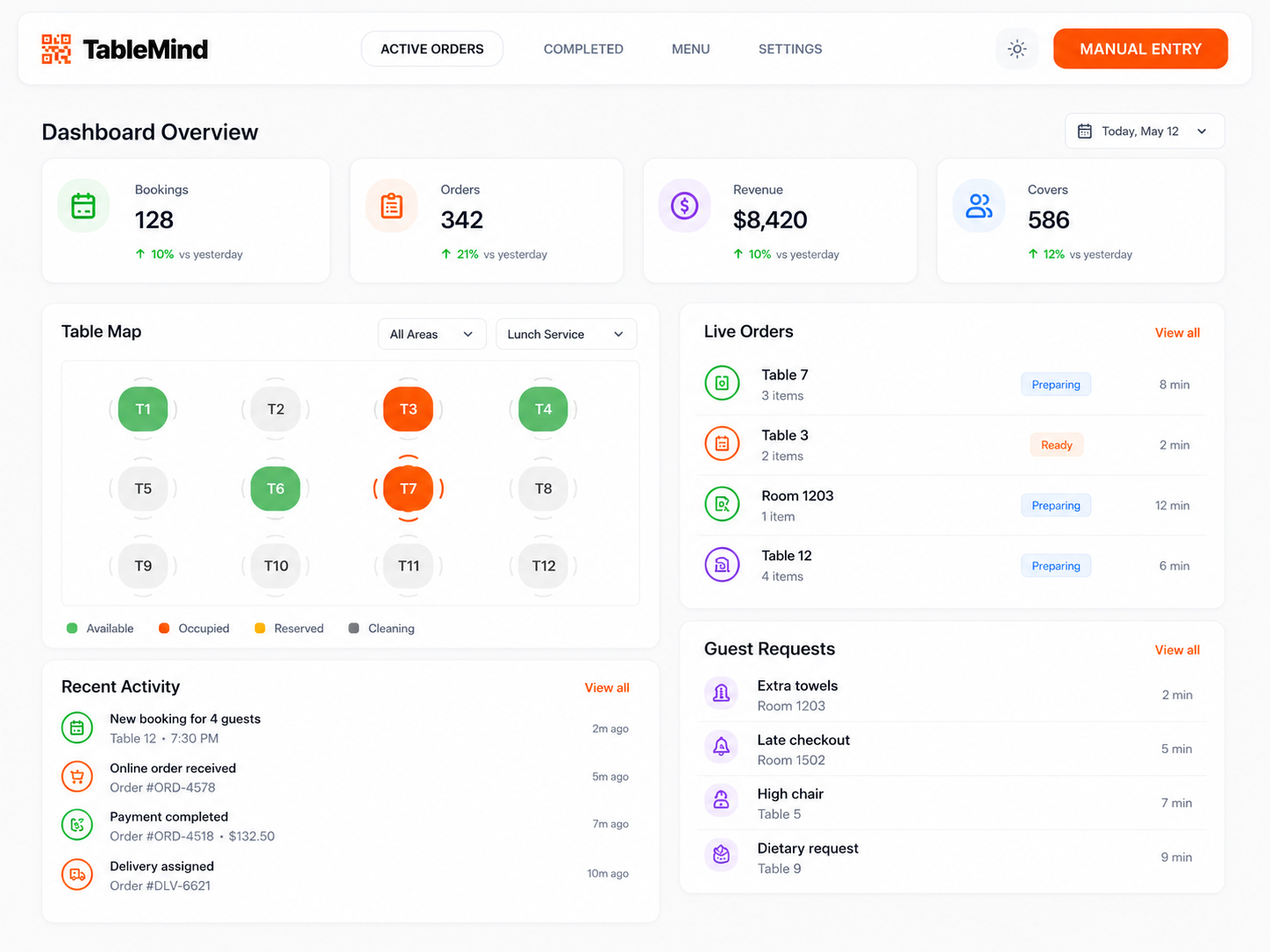
Add categories, dishes, prices, photos, and modifiers from one place.
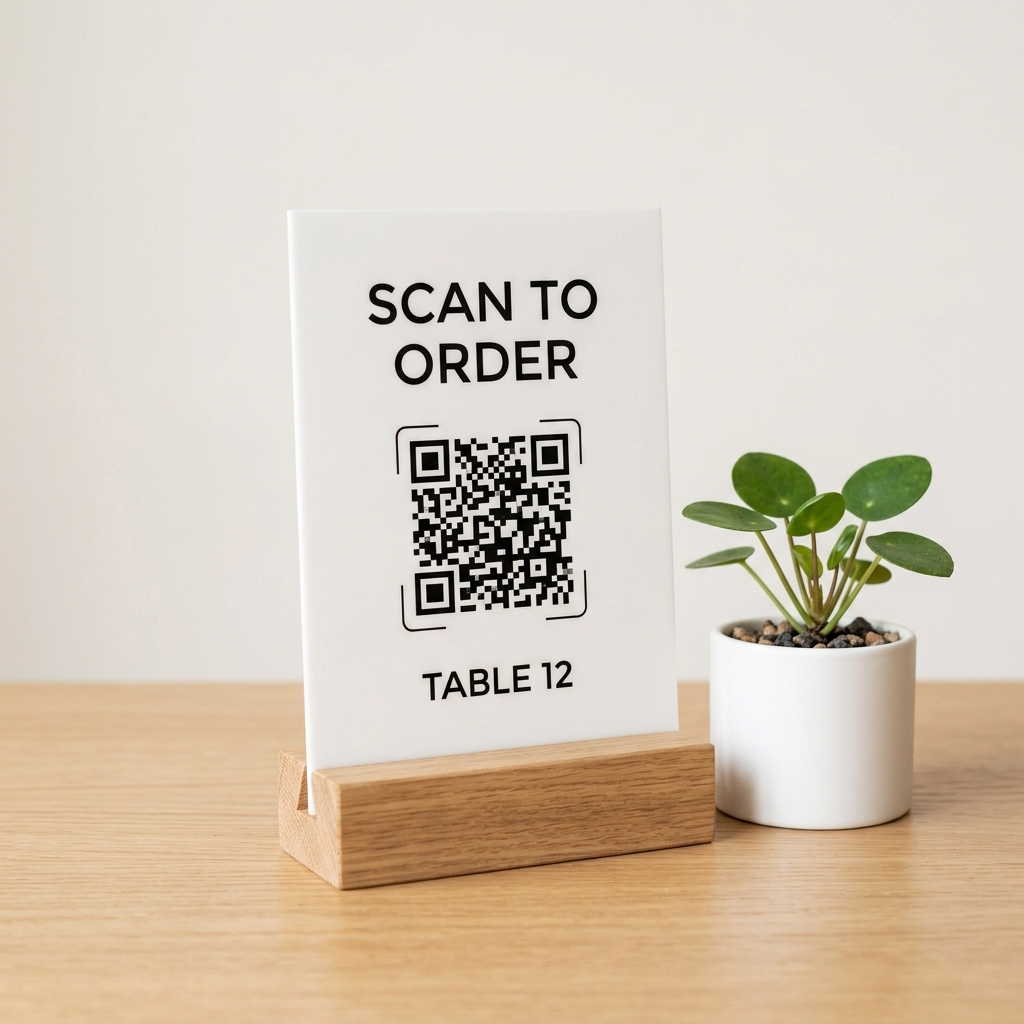
Create table QR codes and ordering links for dine-in, takeaway, and sharing.
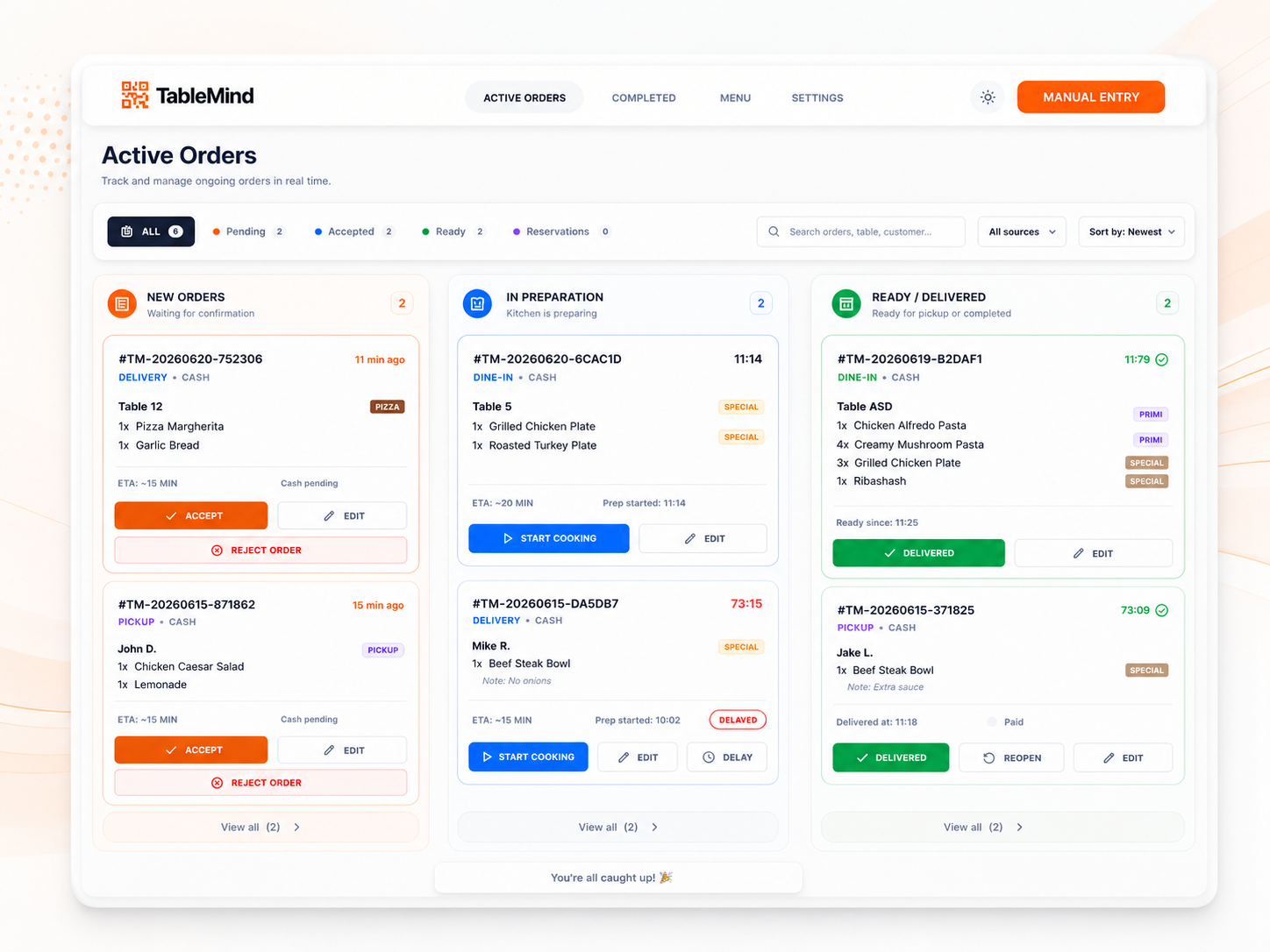
Accept orders, monitor activity, and update everything from your dashboard.
Most restaurants launch their first live QR menu the very same day.
Set up your restaurant details, service modes, languages, and core settings.
Add categories, dishes, prices, photos, and modifiers from one place.
Create table QR codes and ordering links for dine-in, takeaway, and sharing.
Accept orders, monitor activity, and update everything from your dashboard.
Most restaurants launch their first live QR menu the very same day.

Pastries and drinks change daily. Update items and prices in seconds, directly from your phone.
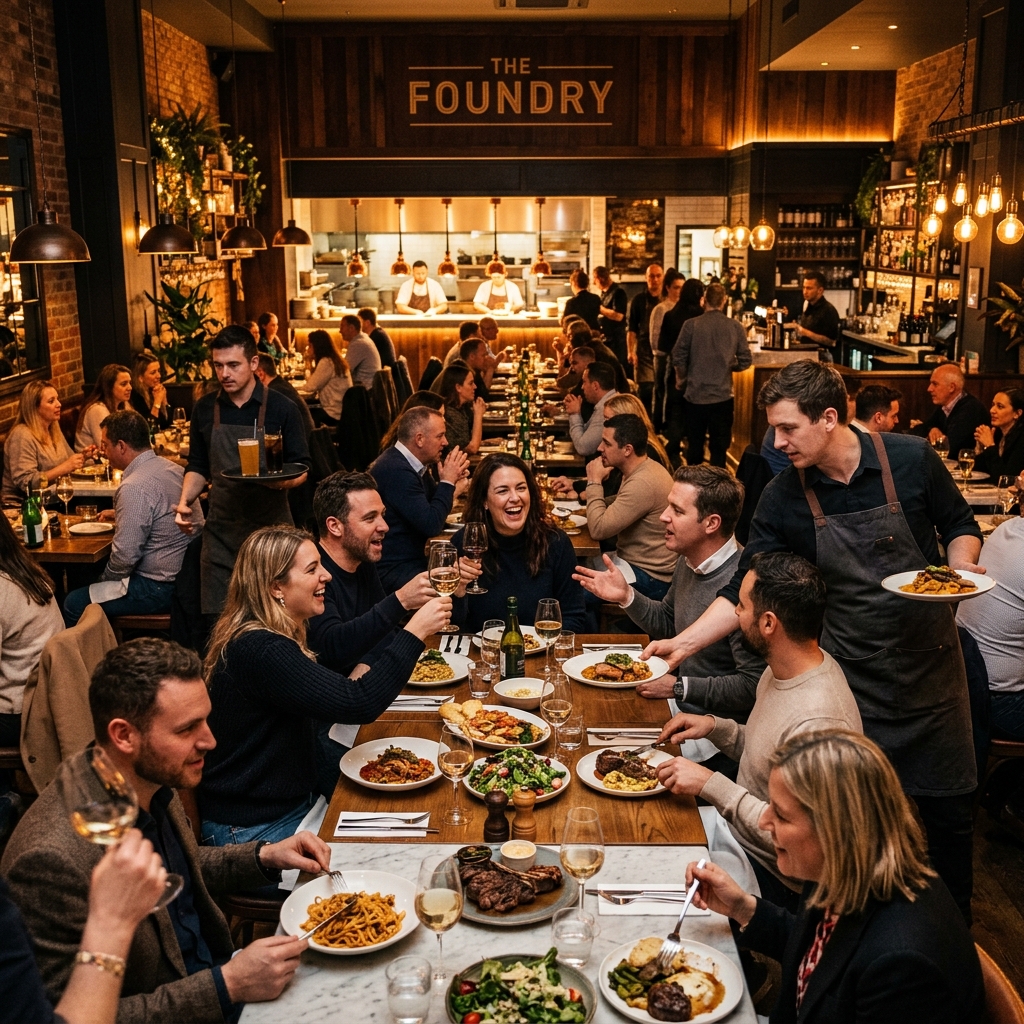
Guests scan QR codes to browse immediately. Speeds up service and lightens host stand workloads.
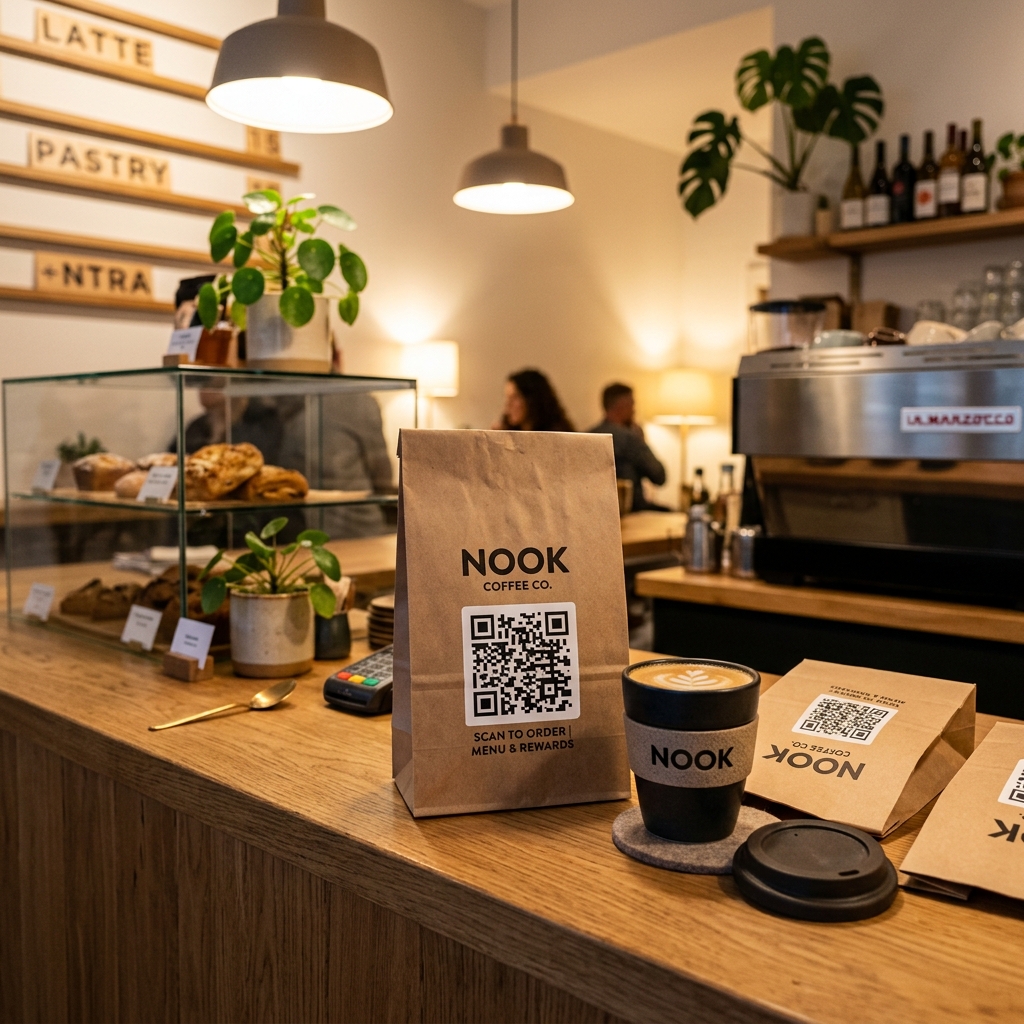
Put QR codes on flyers and takeaway bags so clients can see today's menu before calling.

Multilingual menus automatically translate dishes to help international guests order comfortably.

Maintain central control of menu structures while allowing custom pricing per location.
Explore the capabilities built into TableMind, organized by operational themes.
Everything you need to showcase your dishes, organize categories, and make your food look delicious.
Starters, mains, drinks, desserts, lunch, specials — clear sections guests browse fast.
Names, descriptions, prices, photos, ingredients, and preparation details for every dish.
Upload photos for bestsellers, promotions, or your full menu to help guests choose faster.
Vegetarian, vegan, gluten-free, spicy, contains nuts — safer, more confident choices.
Mark items available or out of stock instantly so guests don't pick what's gone.
Sizes, options, variants, and modifiers for dishes with add-ons or preparation choices.
Highlight bestsellers, new dishes, chef picks, and promotions to guide what you sell.
Delight your guests with a fast, modern, multilingual interface customized to your brand.
Designed for phone screens first — fast, clean, and easy to use where guests actually look.
Search items or filter by category or dietary preference — great for big menus.
Automatic or manual translations for international guests — understood without staff translation.
Your logo, colors, and visual identity — a menu that feels like your restaurant.
Take full control of your menu schedules, tables, locations, and share links.
Share via your website, Google profile, Instagram, Facebook, messages, or ads.
Codes for specific tables or zones, so orders know exactly where they came from.
Different menus by time, day, or service — breakfast, lunch, happy hour, weekends.
Manage menus across locations — brand consistency with room for local changes.
Turn your menu into a revenue engine. Upgrade to ordering, payments, and analytics when ready.
Turn items orderable for table, takeaway, delivery, and direct online ordering.
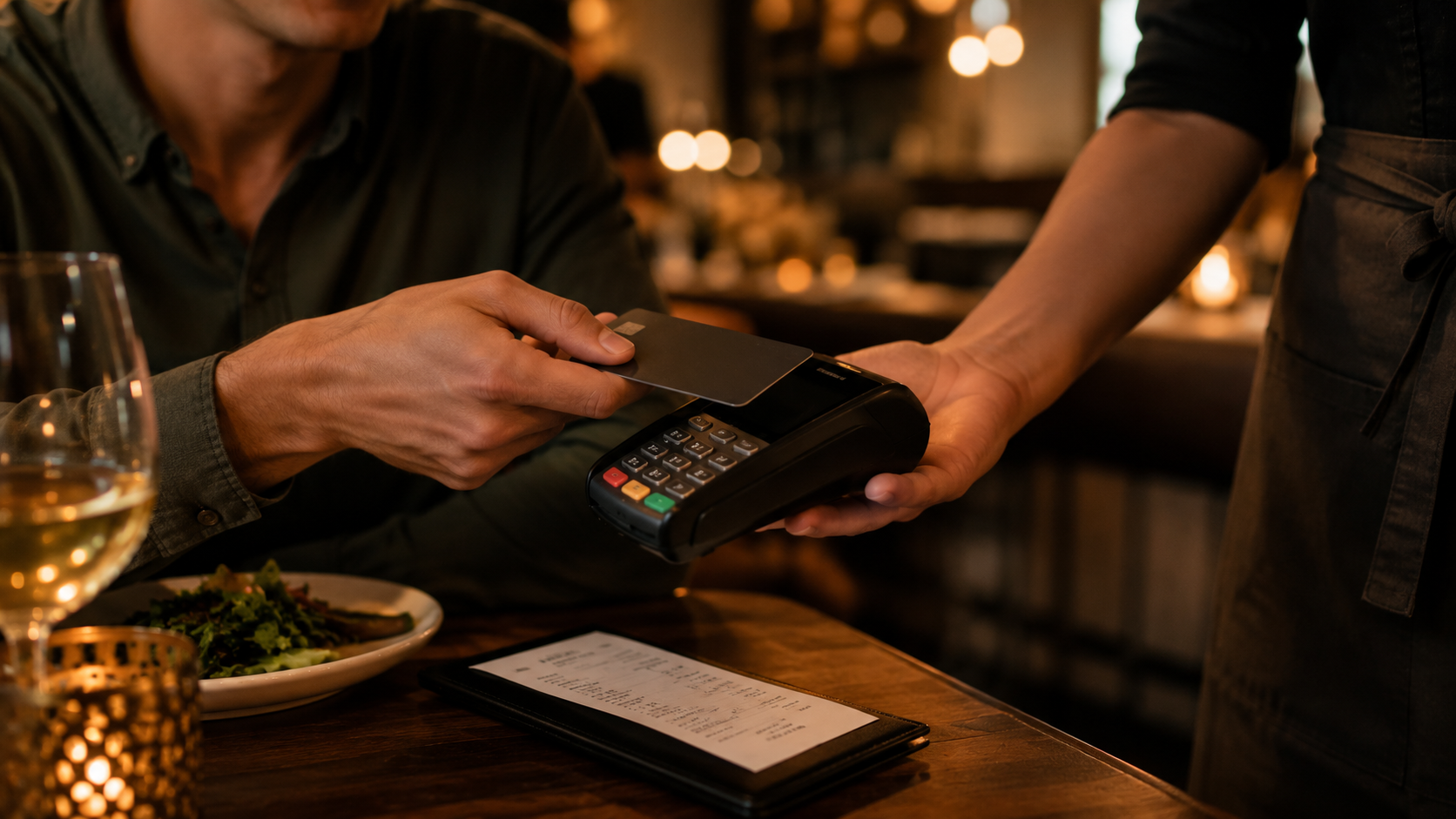
Link the menu to QR payments and digital bills — browse, order, and pay in one flow.
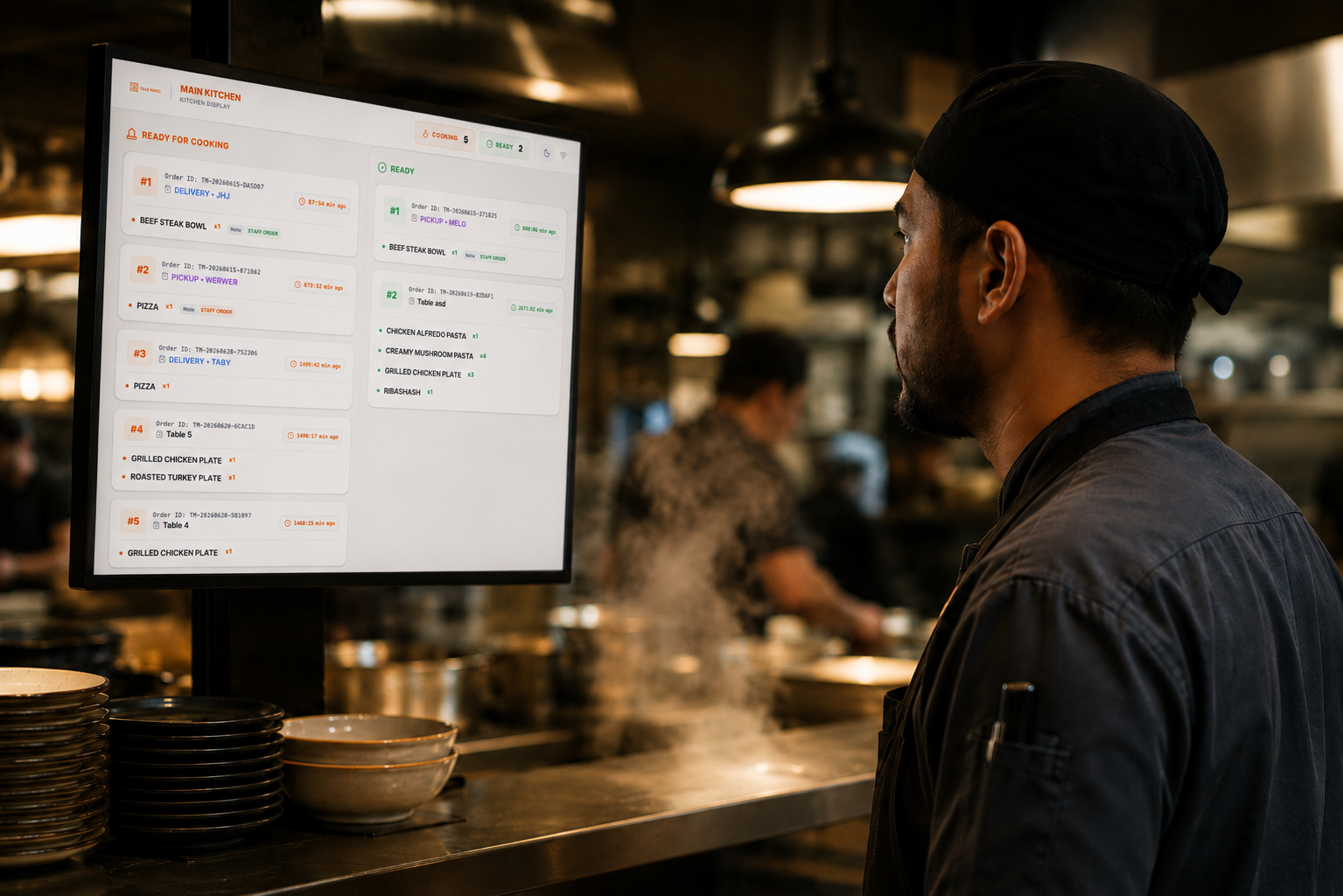
When ordering is on, menu orders flow straight to the Kitchen Display System.
Track item performance, guest behavior, bestsellers, and order trends over time.
Connect your QR menu directly to ordering, payment, and kitchen displays with zero friction.
Guests scan QR codes or open links to browse items.
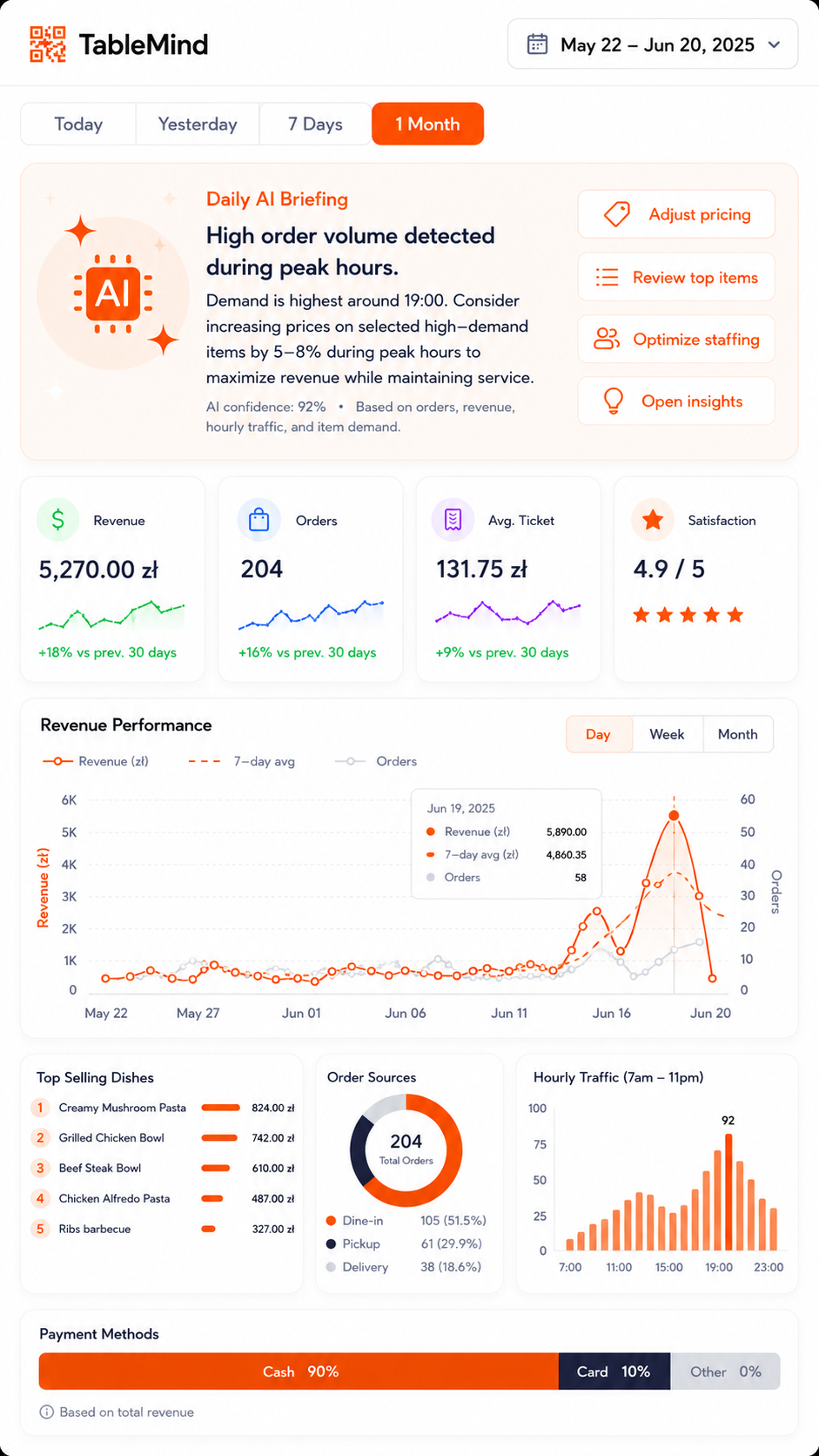
Turn items orderable for tables, takeaway, or counter pick-up.
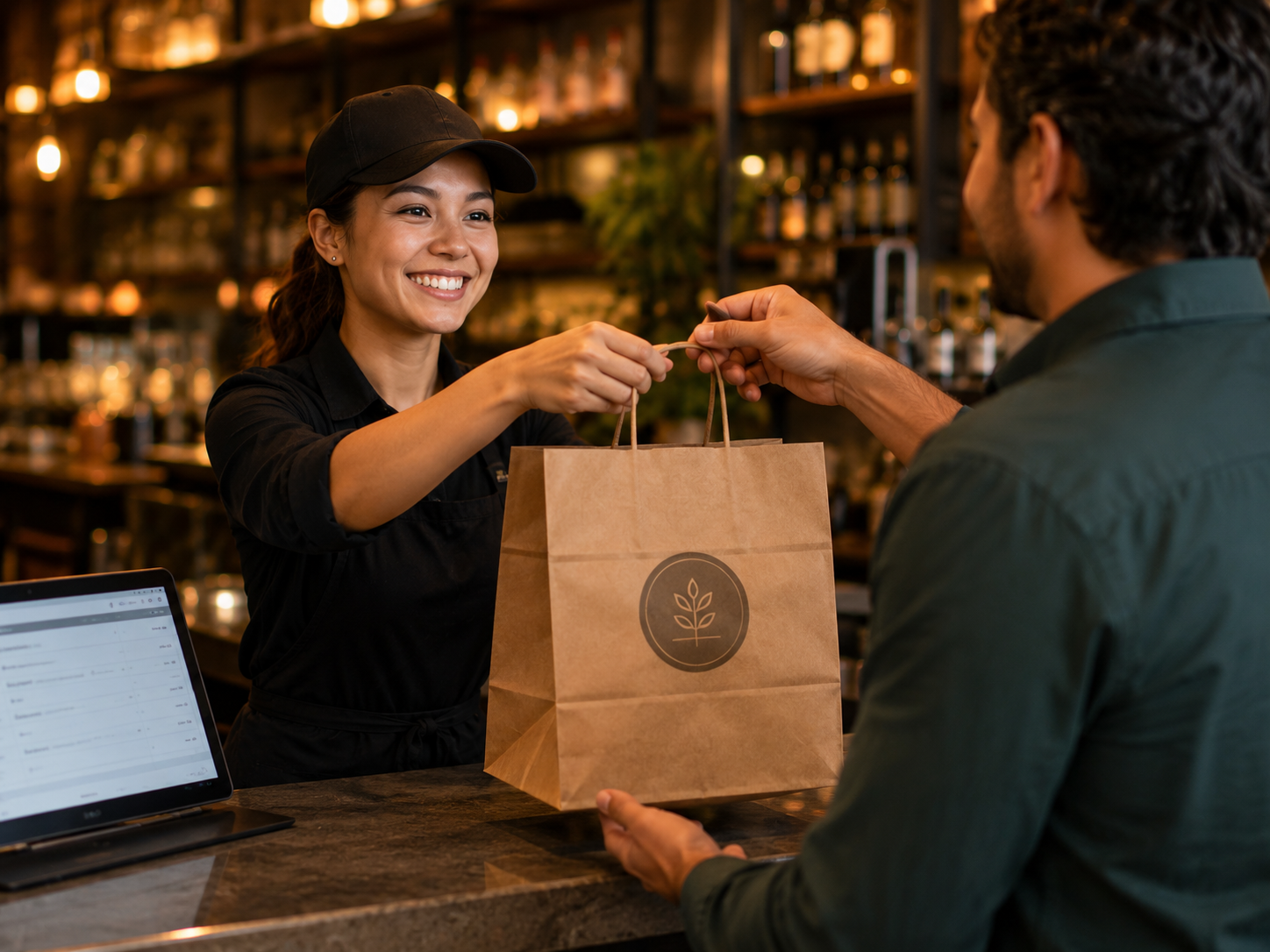
Orders flow directly to kitchen screens to keep prep organized.
Guests check out from phone; view stats on your dashboard.
No long-term contracts. Start with a free trial and upgrade when you're ready.
Essential tools for operations.
Growth and online features.
Enterprise automation.
Custom pricing
An online version of your menu that guests open from a QR code, link, or website. It displays categories, items, prices, photos, and allergen tags dynamically.
No. Guests open the menu instantly in their mobile browser by scanning a QR code or clicking a link.
Yes. Change prices, add dishes, hide out-of-stock items, or update descriptions instantly from your TableMind dashboard.
Yes. Add vegetarian, vegan, gluten-free, spicy, or custom allergen tags to help guests order confidently.
Yes. Start with a view-only menu and add table ordering, takeaway orders, QR payments, or KDS flows when you're ready.
Create your digital menu, generate your QR code, and give guests a better way to browse. Launch in minutes.